Fee reminders that parents actually read
Practical advice for school fee reminders that get paid, and how EDU-v01's dues aging and reminder log help your fee office follow up.
Kode Nexus team3 min read
Chasing fees is the least favourite job in most school offices. A reminder that’s vague, late or sent to the wrong person gets ignored, and then the next one has to be firmer. Here is what makes the difference, and where EDU-v01 helps.
1. Know exactly who owes what, as of today
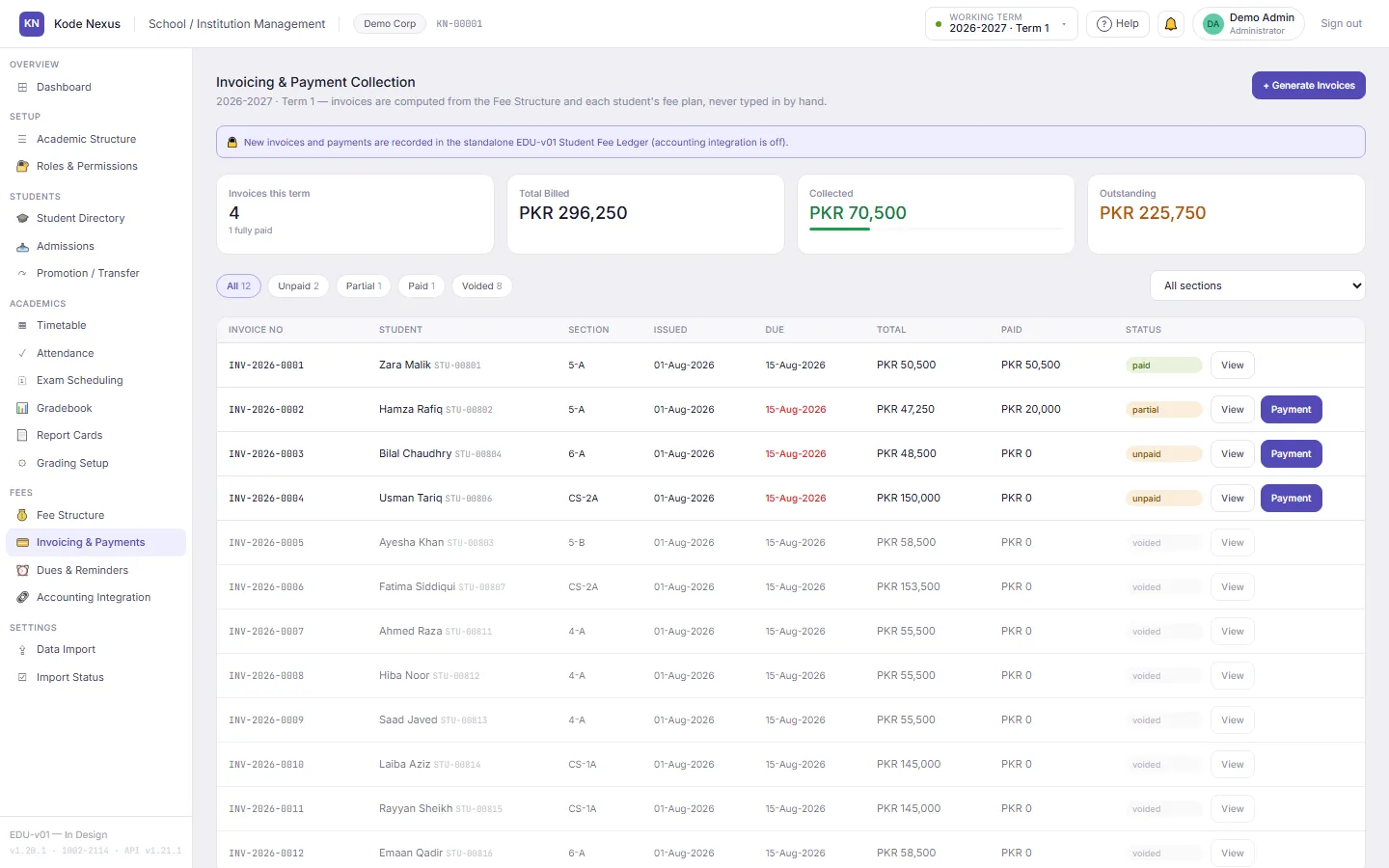
You can’t write a good reminder from a stale list. In EDU-v01, Dues & Reminders ages every unpaid invoice as of a date you choose: how many days overdue it is, and which bucket it falls in (not yet due, 1–30 days, 31–60 days, 60+ days), with a total for each bucket. Tick Include arrears from earlier terms and older unpaid terms are included too.
The figures come from the invoices themselves, which are computed from your fee structure and approved discounts and never typed in by hand. When a parent says “that’s not what I owe”, you can show them the invoice’s lines and the change history behind them.
2. Be specific
Compare these two:
Dear parent, fees are pending. Kindly clear the dues at the earliest.
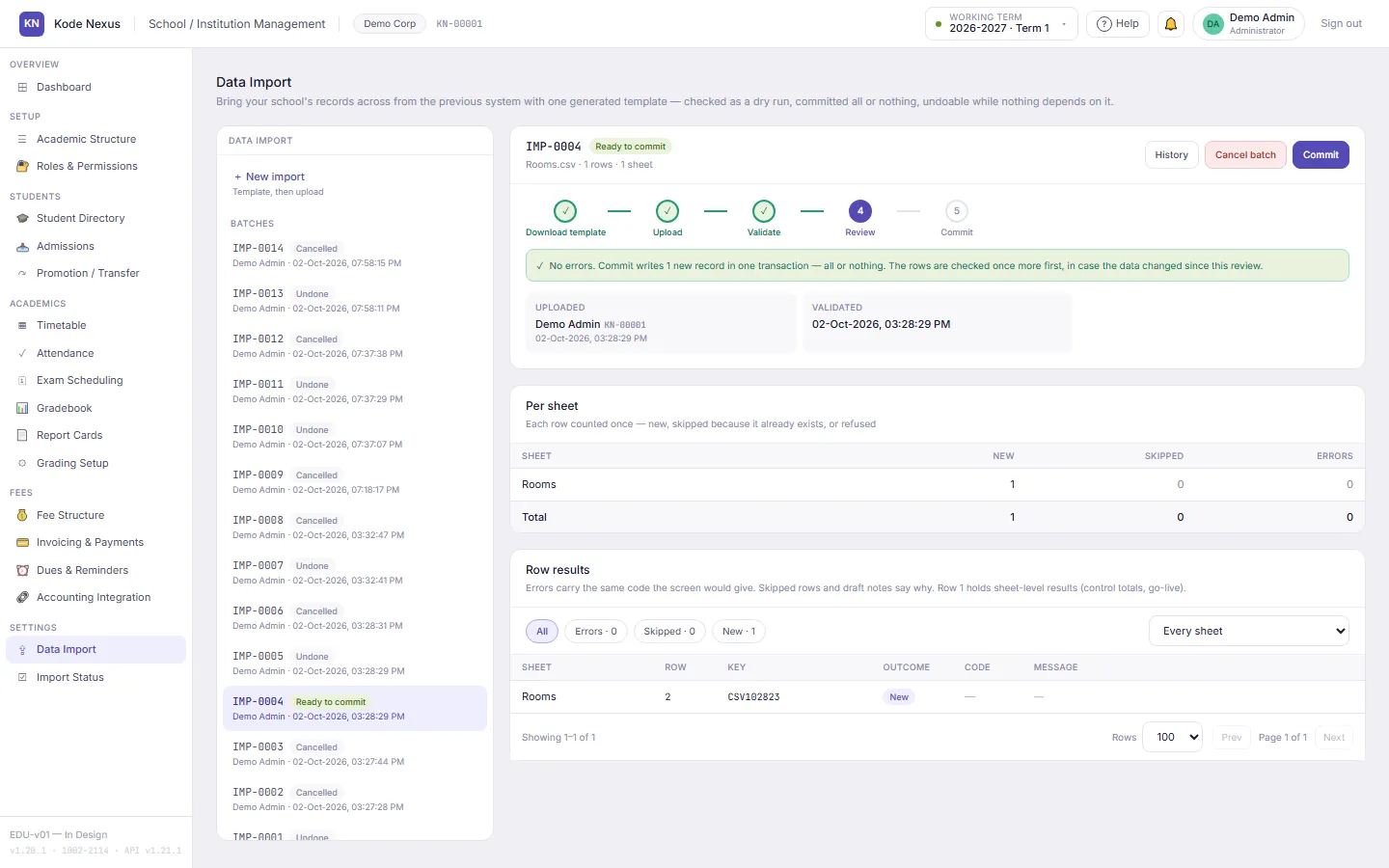
Dear Mrs Chaudhry, Bilal’s Term 1 invoice INV-2026-0003 for PKR 48,500 was due on 15 August. If you’ve already paid, please ignore this message, and thank you. If not, you can pay at the school office on any weekday.
The second one names the child, the invoice, the amount and the date, so the parent doesn’t have to call the office to find out what it’s about. It also assumes good faith, and that matters.
3. Send early and on a rhythm
A friendly note a few days before the due date gets better results than a stern one a month after it. A simple rhythm:
- Before the due date: a courtesy reminder.
- 1–30 days overdue: a specific reminder, like the example above.
- 31–60 days: a phone call from the fee office.
- 60+ days: a meeting with the principal.
EDU-v01’s aging buckets match this rhythm, so the fee office can work through one bucket at a time.
4. Use the channel the family actually reads
Some parents read email every day, and others only answer the phone. Use what works for each family, and write down what you did.
5. Keep a record of every reminder
“We reminded them three times” only helps if you can show when, how and who did it. In EDU-v01, every reminder your staff send is logged against the invoice: which guardian, by email, SMS or phone call, the date, and the staff member who sent it. A logged reminder can’t be edited or deleted, so the record stays trustworthy.
The log also stops obvious mistakes. You can’t log a reminder for an invoice that’s already paid or cancelled, for a guardian who isn’t that student’s, or by email to a guardian with no email address on file.
6. Fix the bill before you chase it
If a family disputes an amount, check the invoice first. A wrong invoice in EDU-v01 is never edited quietly: it’s voided with a reason and issued again under a new number, and the fee plan behind it (discounts and waivers, each with a reason and an approver) shows exactly how the amount was reached. Chasing a bill you’re sure of is much easier than chasing one you’re not.