2 min read
Why one sign-in across your business apps matters
One sign-in across your apps isn't just convenient. It's how you give, change and take away access in one place, and know who did what.
- Platform
- Security
Modular cloud ERP
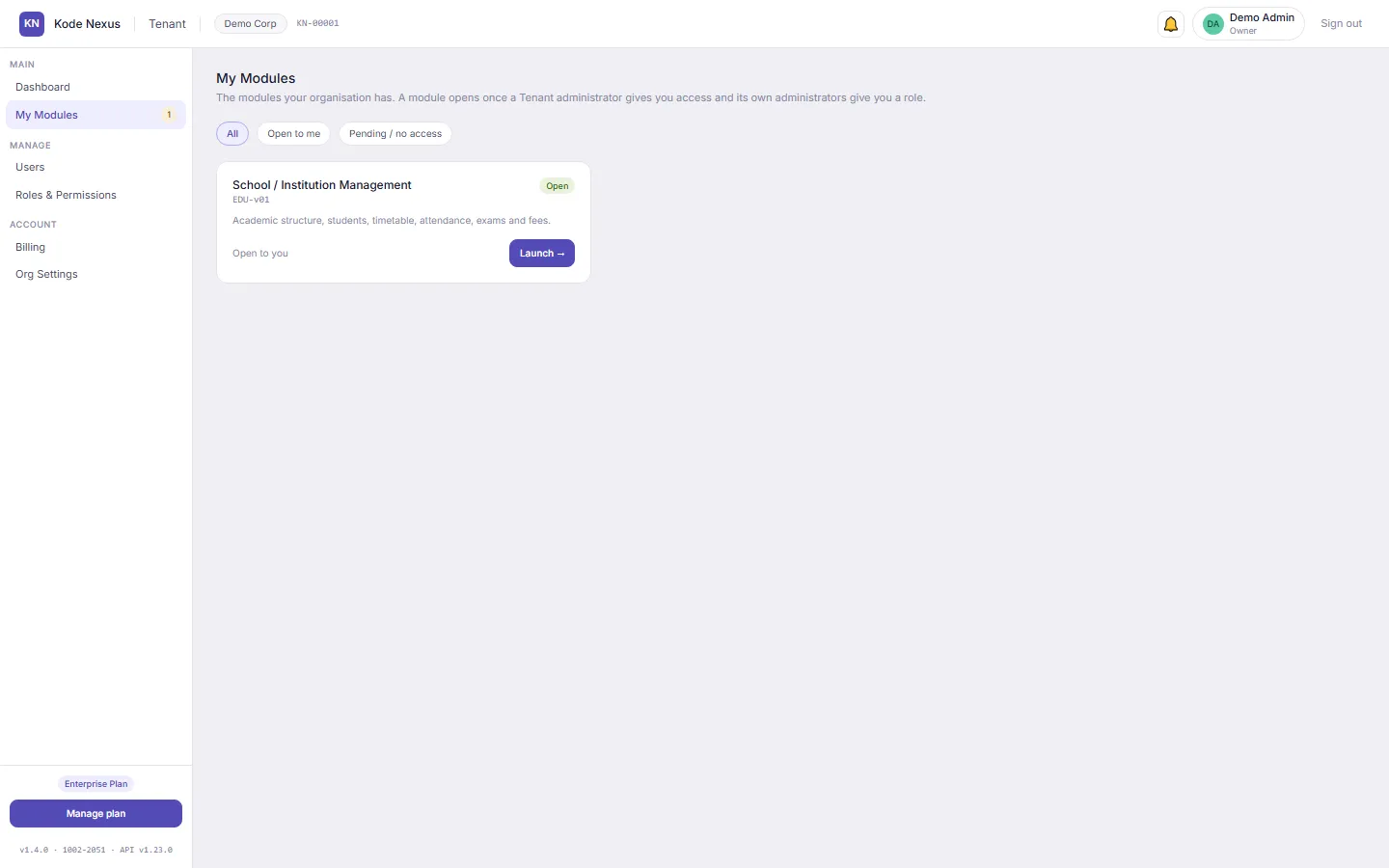
Kode Nexus brings school management, inventory and point of sale together, with one sign-in, roles for every job and a record of who changed what. Start with the module you need and add more as you grow.
Signing up is free, and your 3-month trial of every module’s core starts when you activate your account.
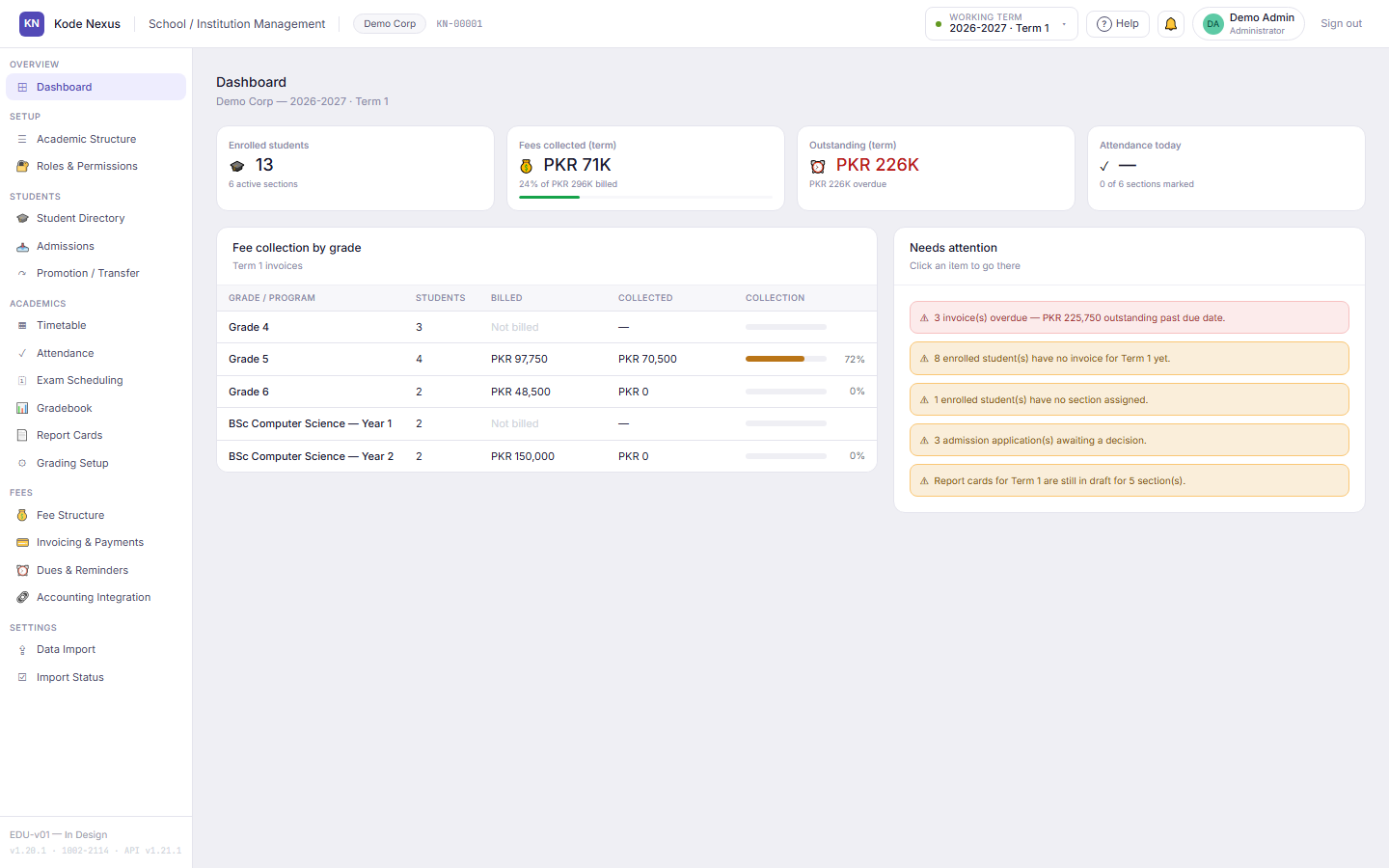
EDU-v01 · School / Institution Management
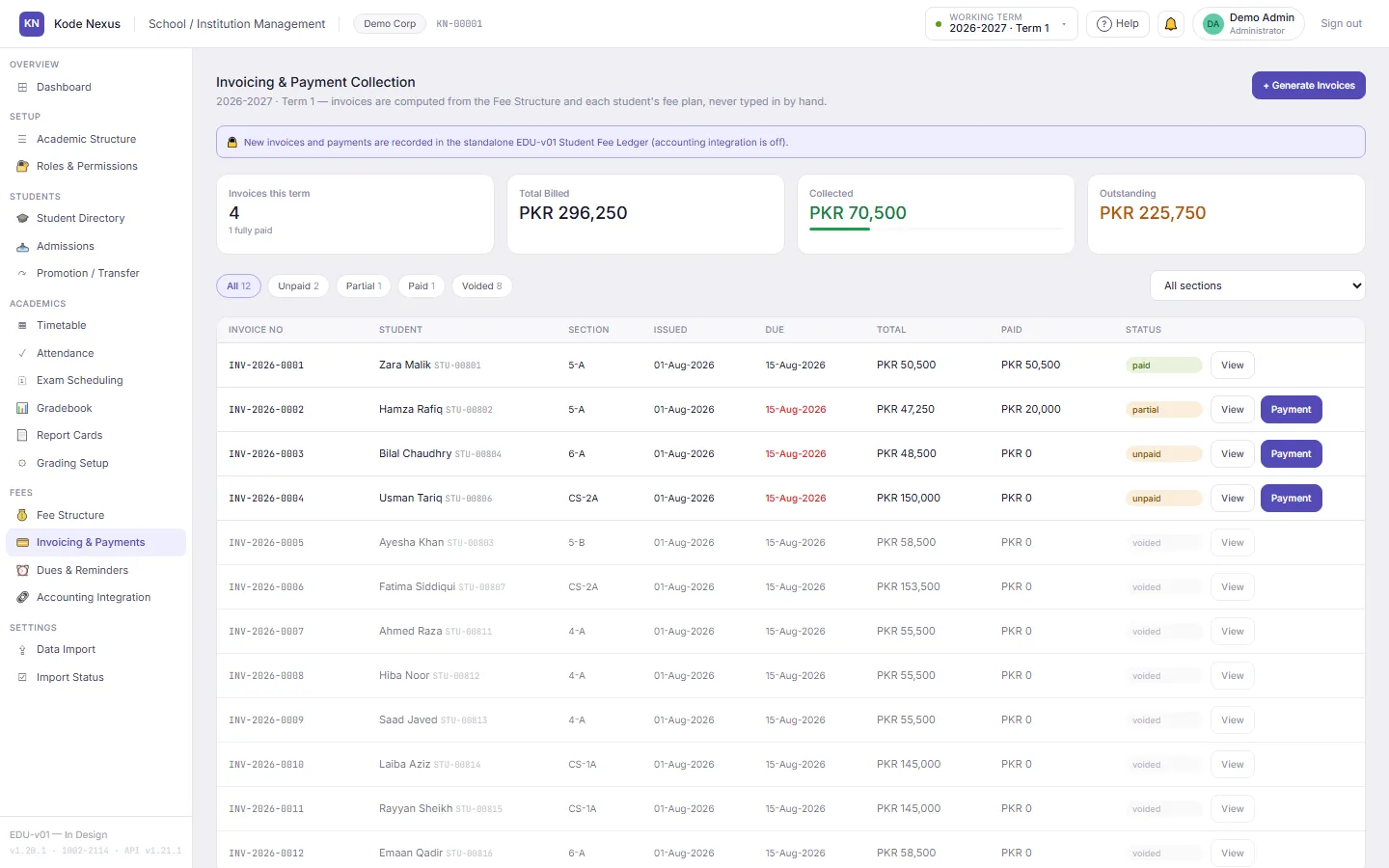
EDU-v01 brings your academic year, students, timetable, attendance, marks, report cards and fees into one cloud app. Discounts need a reason and an approver, invoices are computed rather than typed in, and every change records who made it.
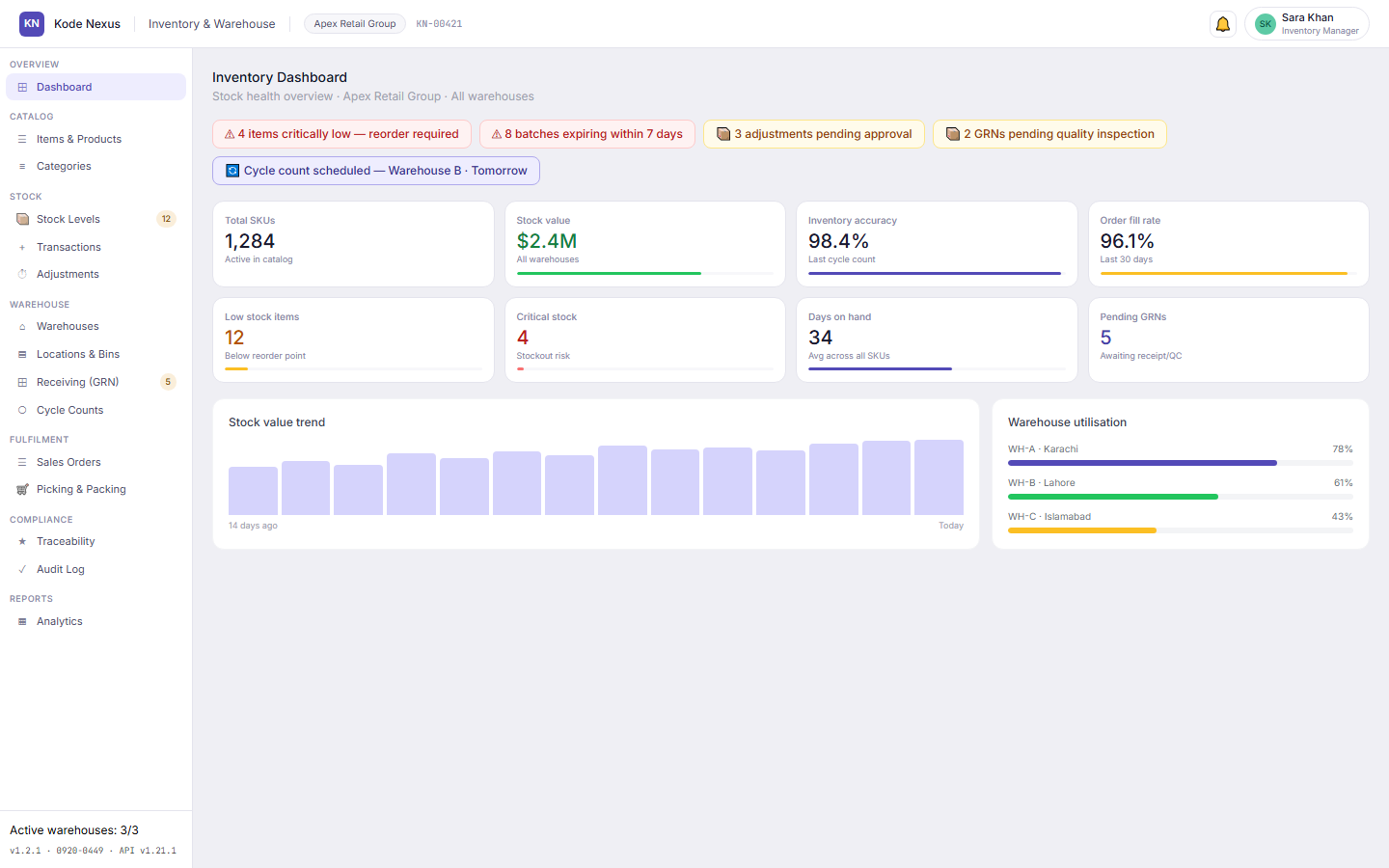
INV-v01 · Inventory & Warehouse Management
INV-v01 keeps your item master, stock levels and warehouses in one place. Adjustments need a manager's approval, every transaction records the operator's KN ID, and counts, receipts and orders follow the same defined steps every time.
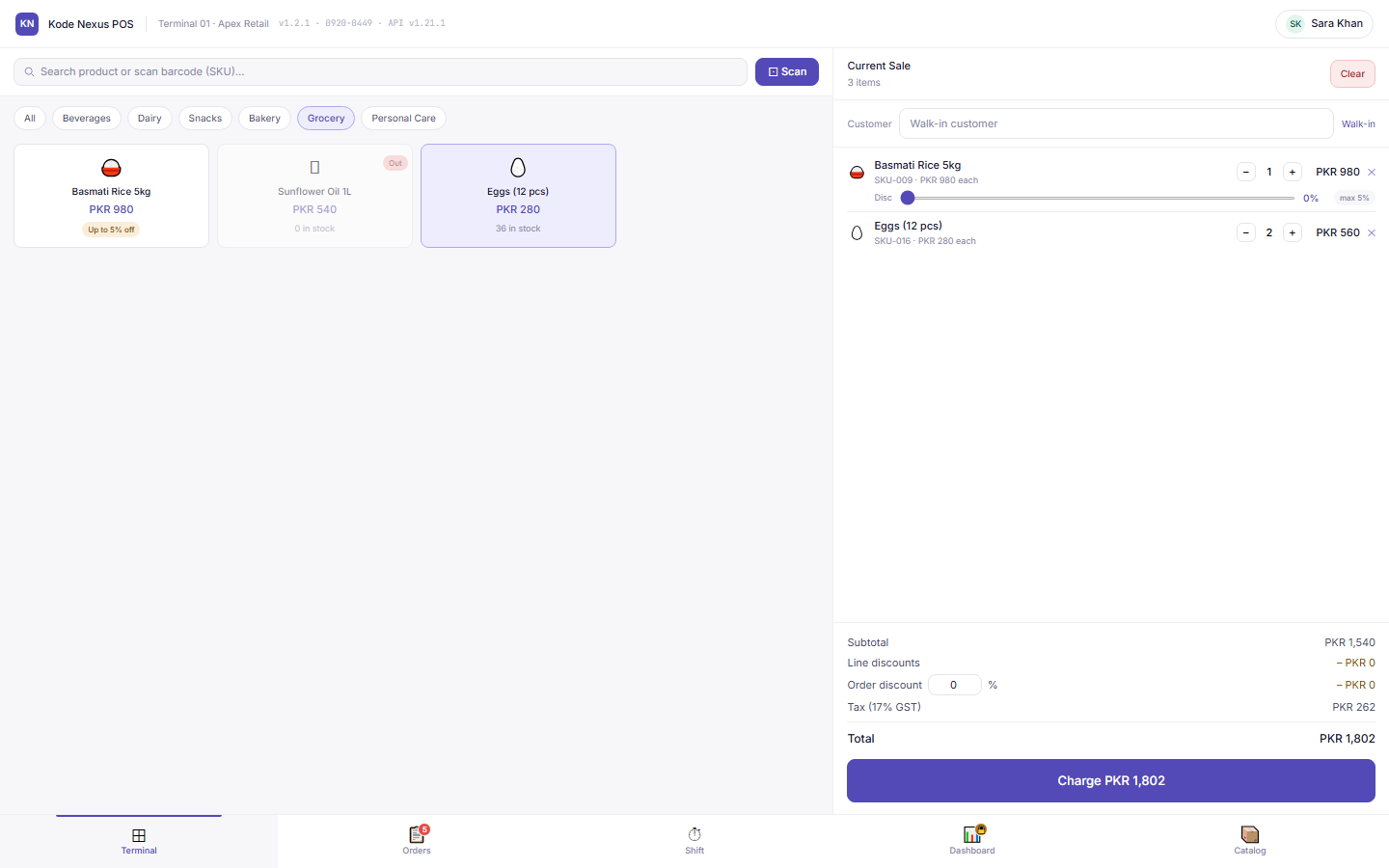
POS-v01 · Point of Sale
POS-v01 is a full-screen terminal built for the counter: browse or scan, take cash, card or split payments, and close the shift with a Z-report. Discounts are capped per product, and refunds, price overrides and shift changes need a manager's PIN.
Roadmap
These modules are in development or planning. They’ll use the same sign-in, roles and audit trail as the apps you already run.
HR-v01
Employee records, payroll, leave and onboarding. Coming soon.
See what’s plannedACC-v01
Chart of accounts, general ledger, payables and receivables. Coming soon.
See what’s plannedCRM-v01
Leads, opportunities and customer accounts. Coming soon.
See what’s plannedPRO-v01
Suppliers, purchase requests to orders, and approval chains. Coming soon.
See what’s plannedANA-v01
Reporting and dashboards across every module. Coming soon.
See what’s plannedWhy Kode Nexus
School, stock and shop modules share one organisation, one set of users and one look. Add a module when you need it.
Sign in once and move between the apps you’ve been given. Sign out once and every app signs out.
Each module has its own roles, so a teacher can mark attendance without ever seeing the fee ledger.
Every change is recorded field by field, with the person’s permanent KN ID and the time. Records are never silently erased.
Nothing to install or back up. Your team works in the browser, from the office or from home.
2 min read
One sign-in across your apps isn't just convenient. It's how you give, change and take away access in one place, and know who did what.
3 min read
Practical advice for school fee reminders that get paid, and how EDU-v01's dues aging and reminder log help your fee office follow up.
4 min read
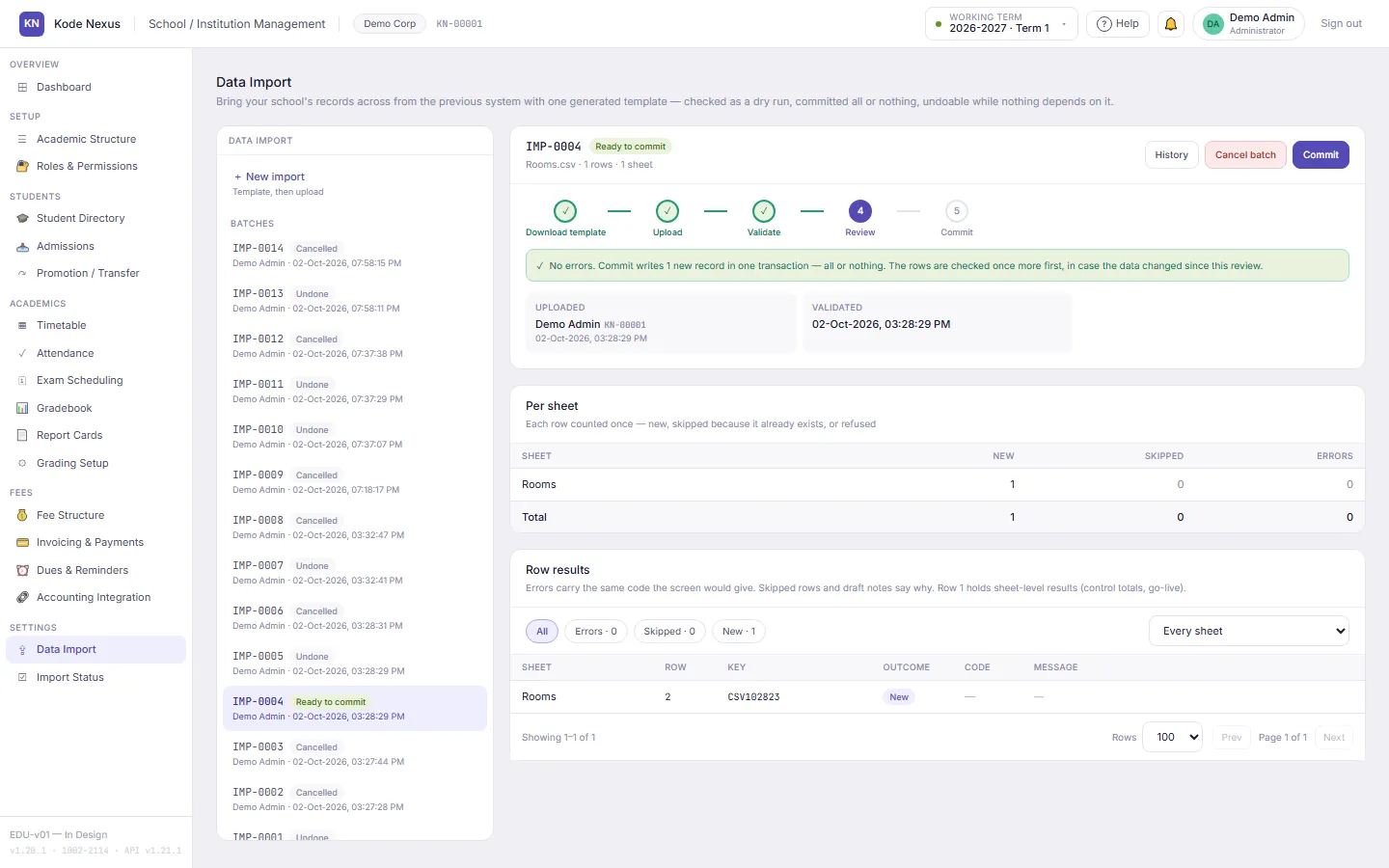
A day-by-day plan for bringing students, guardians, fees and opening balances from Excel into EDU-v01, checked before anything is saved.
Register your organisation, or tell us what you run today and we’ll show you how it would work.